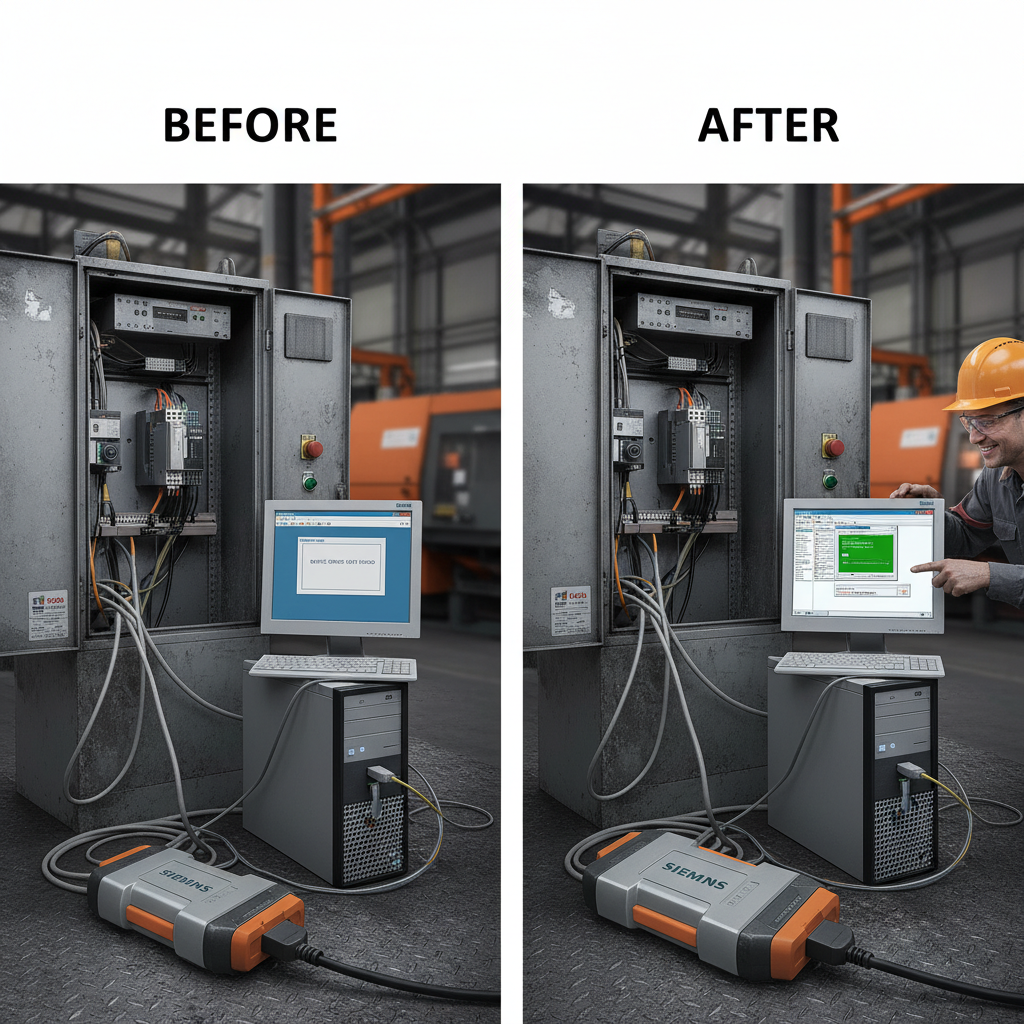
Comprehensive Guide to Siemens PLC Timers for Industrial Automation
Understanding Siemens PLC Timers: A Comprehensive Guide
Siemens Programmable Logic Controllers (PLCs) are the backbone of many industrial automation systems. A crucial component within these systems is the timer function, enabling precise control of processes based on time intervals. This article provides an in-depth exploration of Siemens PLC timers, covering their types, functionalities, programming examples, and applications. Whether you're a seasoned automation engineer or new to PLCs, this guide will equip you with the knowledge to effectively utilize Siemens PLC timers in your projects. Timers are essential for sequencing operations, creating delays, and monitoring process durations.
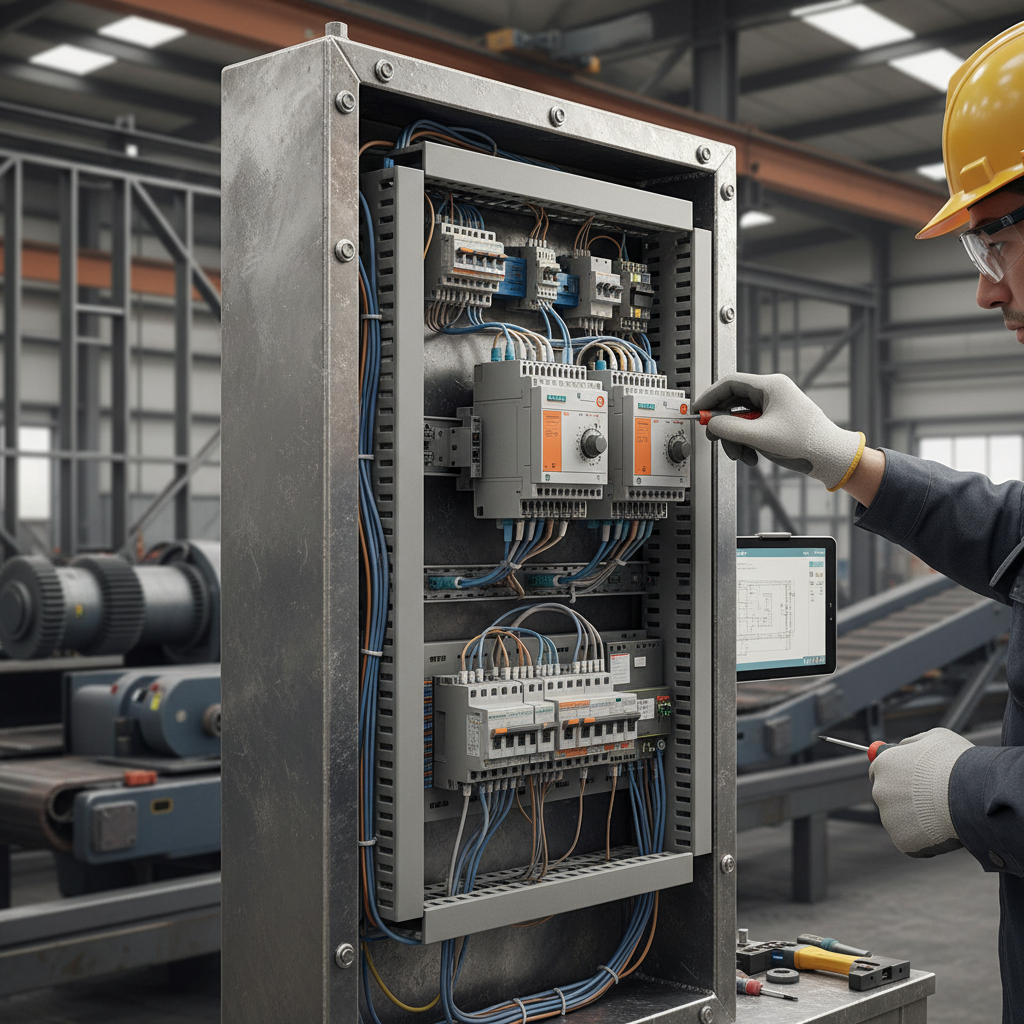
Types of Siemens PLC Timers
Siemens PLCs offer various timer types, each suited for different applications. The most common include:
- TON (Timer On Delay): Activates its output after a preset time has elapsed after the input is energized.
- TOF (Timer Off Delay): Deactivates its output after a preset time has elapsed after the input is de-energized.
- TP (Pulse Timer): Generates a pulse of a specified duration upon receiving an input signal.
- RTO (Retentive Timer On Delay): Similar to TON, but retains its timing value even if the input is de-energized, resuming when the input is re-energized.
Choosing the right timer type is critical for achieving the desired control logic. Understanding the behavior of each timer will save debugging time and ensure accurate operation.
Key Takeaway: Siemens PLCs offer a versatile set of timer functions to address a wide range of automation challenges. Carefully consider the timing requirements of your application when selecting the appropriate timer type.
Siemens PLC Timer Functionality and Parameters
Each Siemens PLC timer type has specific parameters that define its behavior. These typically include:
- IN (Input): The boolean signal that triggers the timer.
- PT (Preset Time): The duration for which the timer will operate, specified in seconds, milliseconds, or other time units.
- Q (Output): The boolean signal that is activated or deactivated based on the timer's operation.
- ET (Elapsed Time): The current amount of time the timer has been running.
- R (Reset): A signal that resets the timer to its initial state.
These parameters are configured within the PLC programming software (e.g., TIA Portal) to define the specific timing requirements for your application. Accurately setting the preset time (PT) is crucial for precise control. Furthermore, understanding how the reset (R) input functions is important for managing timer behavior.
Key Parameters for Siemens PLC Timers:
• Input (IN): The trigger signal for the timer.
• Preset Time (PT): The desired timing duration.
• Output (Q): The resulting signal based on the timing.
• Elapsed Time (ET): Current timing value.
• Reset (R): Signal to initialize the timer.
Siemens PLC Timer Comparison: TON vs TOF
TON and TOF timers are fundamental building blocks in PLC programming. Here's a direct comparison:
Applications of Siemens PLC Timers in Industrial Automation
Siemens PLC timers are used in countless industrial applications, including:
- Batch Processing: Sequencing steps in a batch process based on precise time intervals.
- Conveyor Control: Controlling the speed and duration of conveyor sections.
- Machine Sequencing: Coordinating the operation of different machine components in a specific order.
- Alarm Management: Generating alarms after a certain time delay if a process variable deviates from its setpoint.
- Process Monitoring: Tracking the duration of specific events to ensure process efficiency and safety.
Effectively applying Siemens PLC timers optimizes process performance, enhances safety, and reduces downtime. Understanding timer functionality is vital for any automation professional.
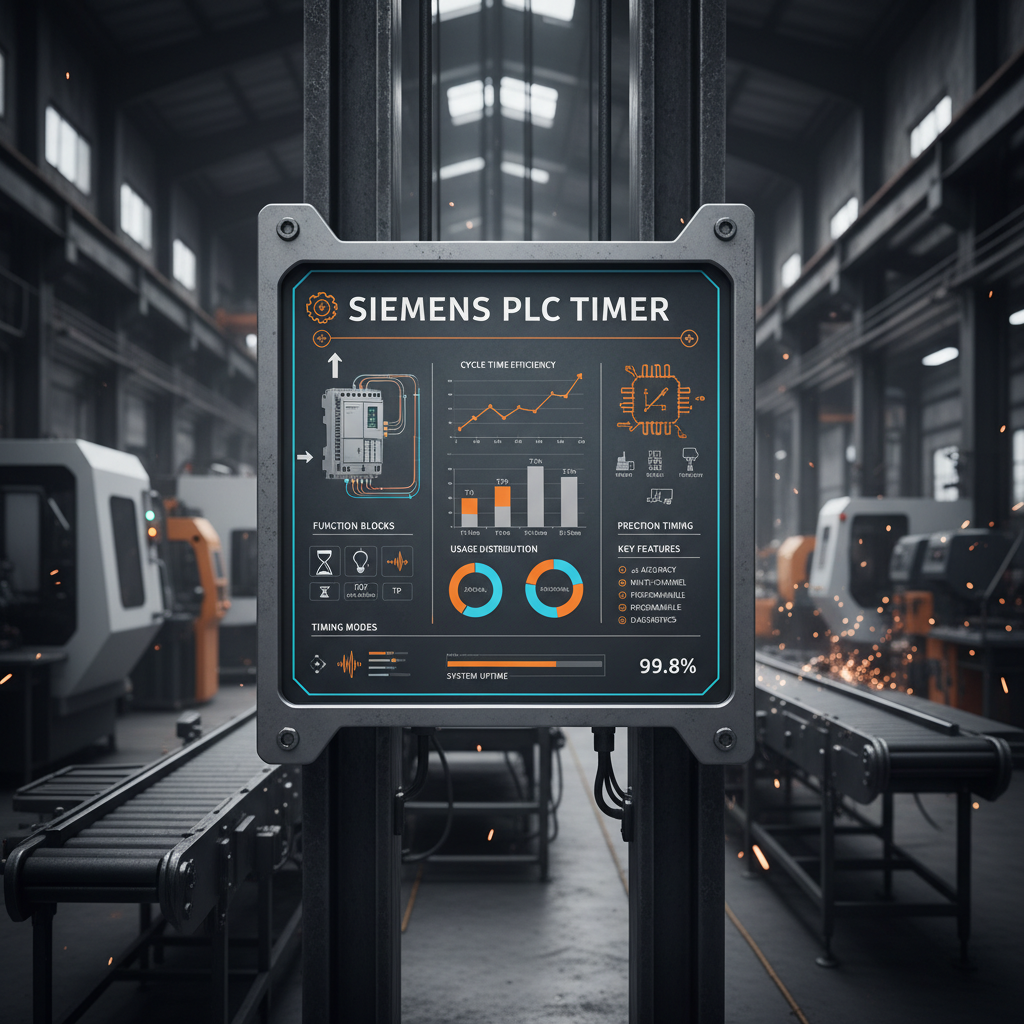
Programming Siemens PLC Timers: A Simple Example
Here’s a basic example using a TON timer in Siemens TIA Portal:
Scenario: Energize a motor for 10 seconds after a start button is pressed.
Programming Steps:
- Create a TON timer in your PLC program.
- Connect the Start Button signal to the IN input of the TON timer.
- Set the PT (Preset Time) input of the TON timer to 10 seconds.
- Connect the Q (Output) output of the TON timer to the Motor Control output.
This simple program demonstrates how a TON timer can be used to control a process for a specific duration. The Tianjinyongkai team can provide customized PLC programming services to meet your specific automation needs.
Conclusion: Mastering Siemens PLC Timers
Siemens PLC timers are powerful tools for implementing precise timing control in industrial automation applications. By understanding the different timer types, parameters, and programming techniques, you can effectively utilize these functions to optimize process performance, enhance safety, and improve overall efficiency. Leveraging resources like the Tianjinyongkai website can provide valuable support for your PLC projects.
Frequently Asked Questions (FAQs)
What time units can I use for the Preset Time (PT) in Siemens PLC timers?
Siemens PLCs offer flexibility in specifying the time unit for the Preset Time (PT). You can typically choose from seconds (s), milliseconds (ms), tenths of seconds (0.1s), and even hours (h), depending on the specific PLC model and programming software. The appropriate time unit depends on the desired precision and the scale of the timing application. For example, milliseconds are ideal for high-speed applications, while seconds or hours are more suitable for slower processes.
How do I reset a TON timer?
A TON timer can be reset in several ways. The most common method is to de-energize the input (IN). When the input goes LOW, the timer’s output (Q) de-energizes, and the elapsed time (ET) resets to zero. Alternatively, you can use the reset (R) input. When the R input is energized, the timer resets immediately, regardless of the input (IN) signal’s state. Using the R input provides more control over the resetting process, allowing you to reset the timer independently of the input signal.
Can I cascade multiple Siemens PLC timers?
Yes, you can cascade multiple Siemens PLC timers to create more complex timing sequences. For example, you can use the output (Q) of one timer to trigger the input (IN) of another timer. This allows you to create multi-stage delays and sequential operations. However, be mindful of the cumulative timing errors that can occur when cascading multiple timers, especially if high precision is required.
What are the benefits of using RTO (Retentive Timer On Delay) over TON?
The primary benefit of using an RTO timer over a TON timer is its ability to retain its elapsed time even when the input (IN) is de-energized. This is useful in applications where you need to resume timing from where it left off after a power interruption or input signal loss. For example, in a batch process, an RTO timer can ensure that the timing sequence continues uninterrupted even if there's a temporary loss of input signal. TON timers, on the other hand, reset to zero when the input is de-energized.