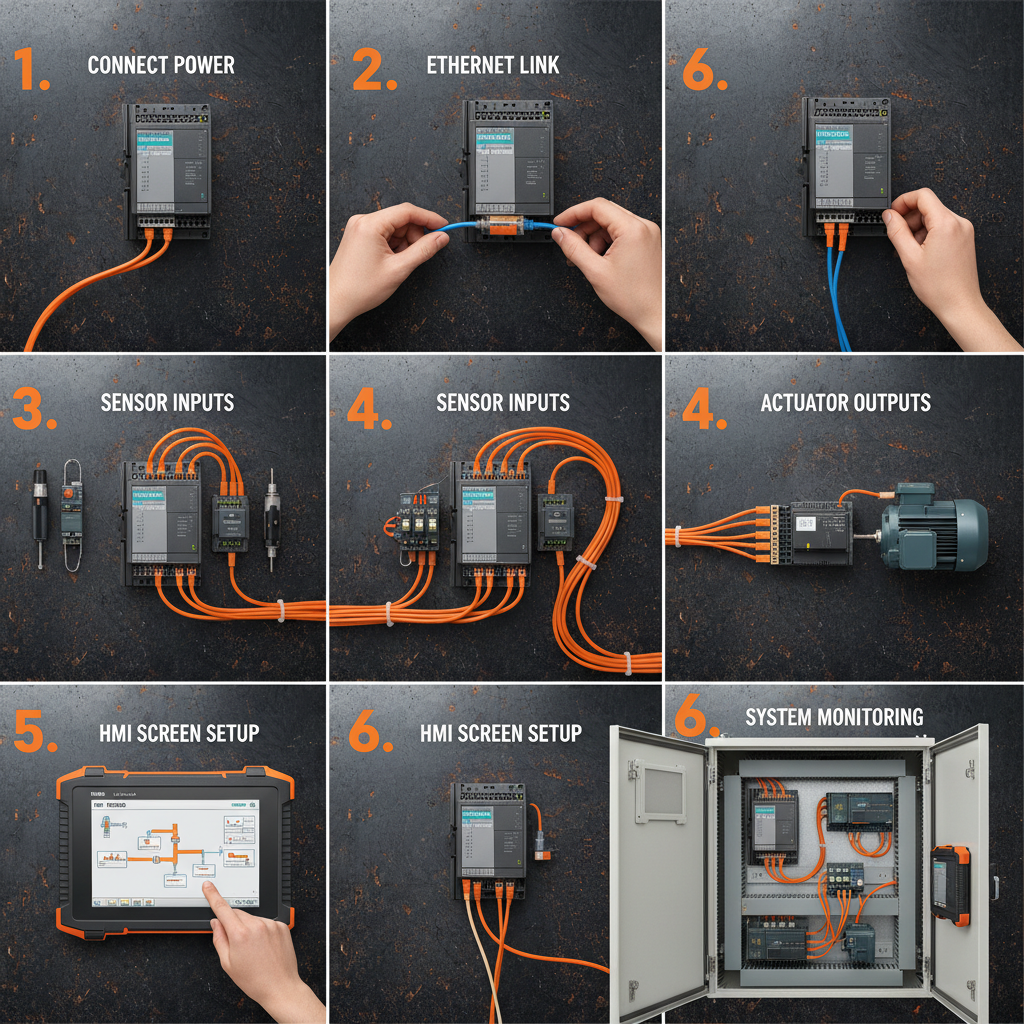
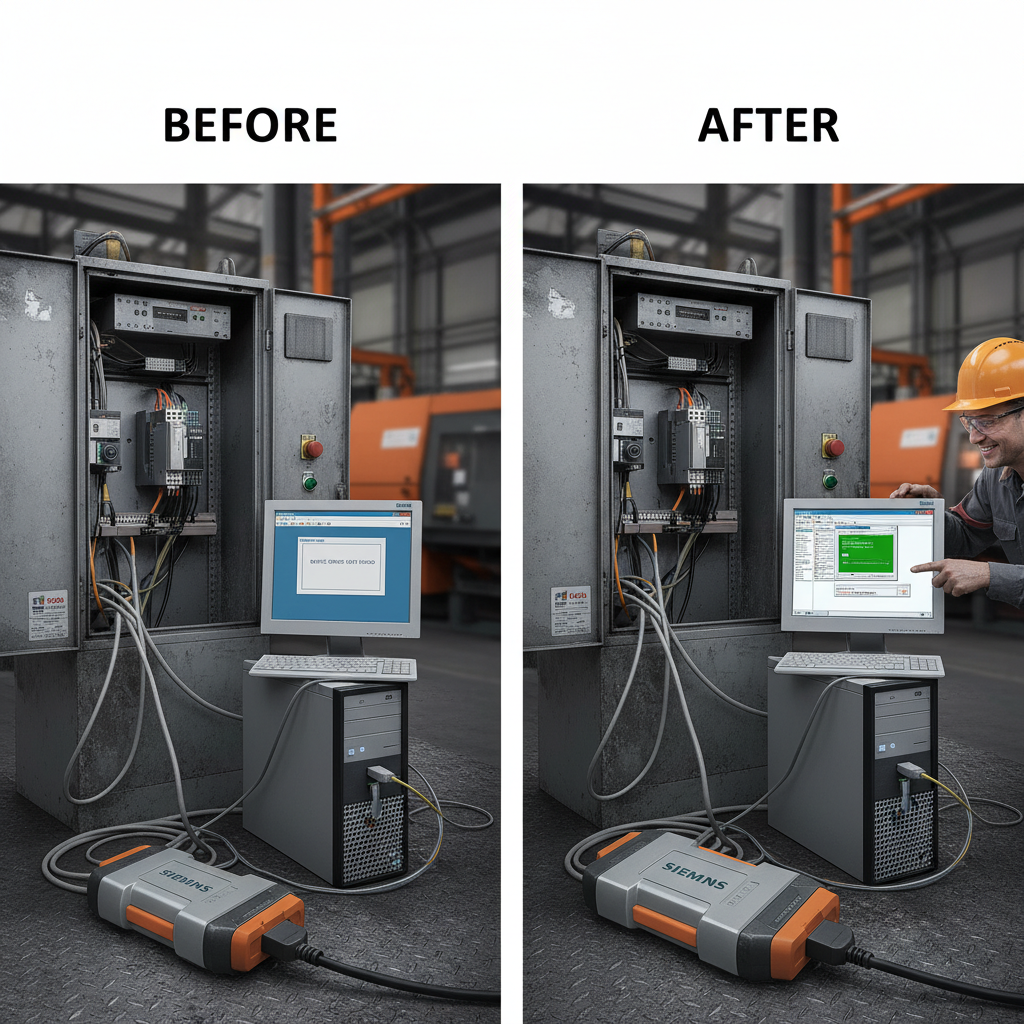
Comprehensive Guide to HMI for Siemens PLC Systems and Industrial Automation
HMI for Siemens PLC: A Comprehensive Guide
Human Machine Interfaces (HMIs) are critical for effective control and monitoring of industrial processes. When working with Siemens PLCs, choosing the right HMI is paramount. This article provides a detailed overview of HMIs for Siemens PLCs, exploring their features, benefits, communication protocols, selection criteria, and current trends. Understanding the capabilities of an HMI can significantly enhance operational efficiency, reduce downtime, and improve overall system performance. We'll cover everything you need to know to make an informed decision for your automation needs.
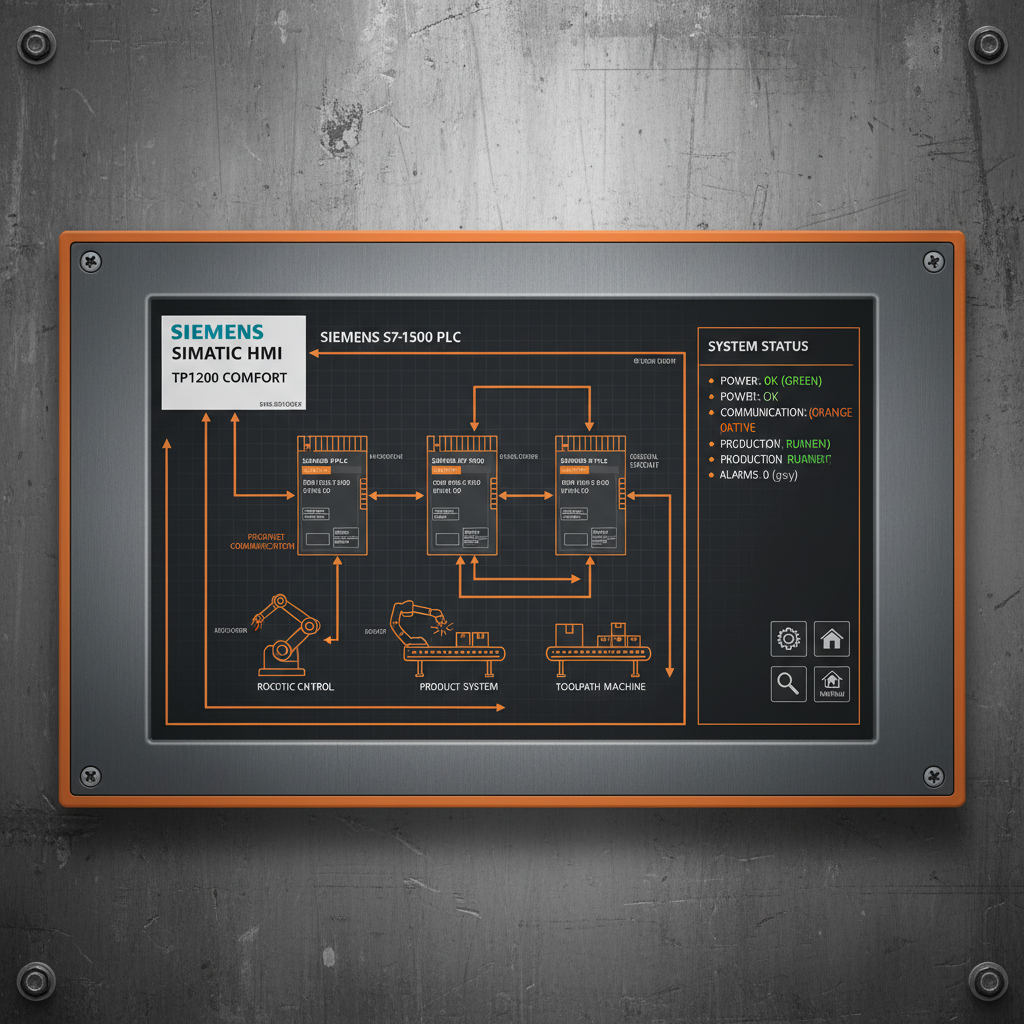
Understanding HMIs and Their Role with Siemens PLCs
An HMI serves as the bridge between the operator and the PLC, providing a user-friendly interface for visualizing process data, controlling equipment, and acknowledging alarms. For Siemens PLCs, the HMI allows operators to interact with the program logic developed in platforms like TIA Portal. Key functions include displaying real-time data, enabling manual control of devices, setting parameters, and providing historical trending. Choosing an HMI compatible with your specific Siemens PLC model – such as S7-1200, S7-1500, or S7-300/400 – is essential for seamless integration. The right HMI will not only improve control but also enhance troubleshooting and diagnostics.
Key Benefits of Using an HMI with Siemens PLCs: Improved process visualization, enhanced operator control, faster response to alarms, reduced downtime, and increased data analysis capabilities.
Communication Protocols for HMI-PLC Integration
Seamless communication between the HMI and the Siemens PLC is crucial. Several protocols are commonly used, each with its advantages and disadvantages. Common protocols include: PROFIBUS DP/PA, a widely used industrial network; PROFINET, offering faster communication speeds and support for Ethernet-based networks; OPC UA, a platform-independent standard for secure and reliable data exchange; and Modbus TCP/IP, a more basic protocol often used for legacy systems. Selecting the appropriate protocol depends on factors like communication speed requirements, network infrastructure, and compatibility with existing devices. Tianjin Yongkai provides HMIs supporting all these key protocols.
Protocol Comparison:
• PROFINET: High speed, Ethernet-based, ideal for complex applications.
• PROFIBUS DP/PA: Widely adopted, robust, suitable for distributed I/O.
• OPC UA: Platform-independent, secure, supports semantic data modeling.
• Modbus TCP/IP: Simple, cost-effective, suitable for basic applications.
Choosing the Right HMI for Your Siemens PLC Application
Selecting the appropriate HMI involves considering several factors. Screen size and resolution are important for visibility and data presentation. Processing power and memory capacity influence the HMI’s ability to handle complex graphics and data logging. Connectivity options, such as Ethernet, serial ports, and USB, determine integration capabilities. Environmental factors, like temperature and humidity, must be considered to ensure reliable operation. Finally, the software platform should be user-friendly and compatible with Siemens TIA Portal. Yongkai offers a range of HMIs tailored to different Siemens PLC applications and industrial environments.
Current Trends in HMI Technology
HMI technology is constantly evolving. Current trends include the adoption of touch screen interfaces for intuitive operation, the integration of mobile devices for remote access and control, and the use of advanced visualization techniques like 3D graphics and augmented reality. Edge computing is also gaining traction, enabling HMIs to perform data processing locally, reducing latency and improving responsiveness. Cybersecurity is becoming increasingly important, with features like user authentication and data encryption being incorporated into HMI designs. Tianjin Yongkai remains at the forefront of these advancements, providing cutting-edge HMI solutions.
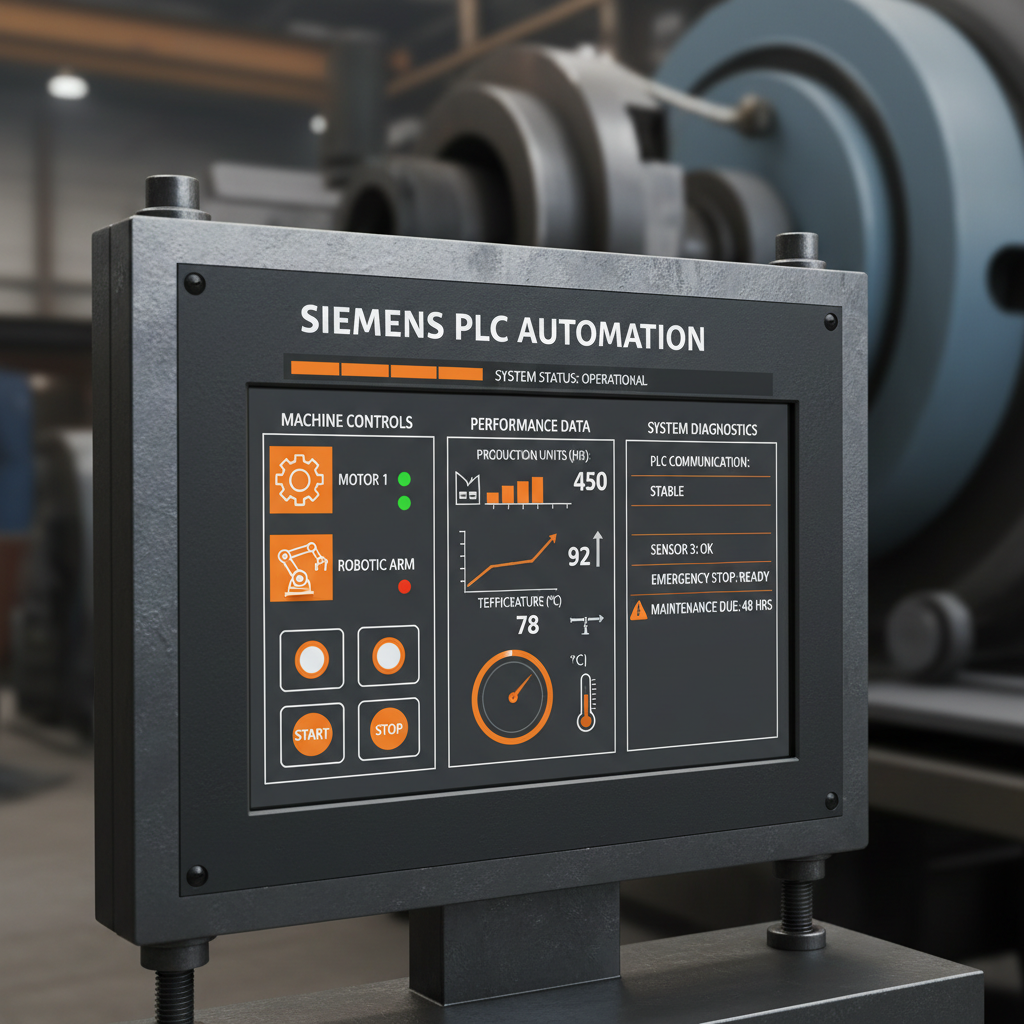
Conclusion: Selecting the Right HMI for Optimal Performance
Investing in the right HMI for your Siemens PLC is an investment in efficiency, reliability, and safety.
Choosing a compatible and feature-rich HMI is critical for maximizing the potential of your automation system. Consider your specific application requirements, communication needs, and future scalability when making your selection. Tianjin Yongkai provides a comprehensive range of HMIs designed to meet the diverse needs of industrial automation, backed by expert support and reliable performance.
Frequently Asked Questions (FAQs)
What are the key benefits of using a touchscreen HMI with a Siemens PLC?
Touchscreen HMIs offer a more intuitive and user-friendly interface compared to traditional button-based HMIs. This reduces operator training time, minimizes errors, and improves overall efficiency. Touchscreens also eliminate the need for physical buttons, which can wear out or fail. They are especially beneficial in environments where hygiene is critical, as they can be easily cleaned and sanitized. Modern touchscreens offer multi-touch capabilities, allowing for gesture-based control and improved navigation.
How can I ensure the cybersecurity of my HMI-PLC system?
Cybersecurity is paramount in industrial automation. Implement strong user authentication protocols, including passwords and multi-factor authentication. Regularly update the HMI and PLC firmware to patch security vulnerabilities. Segment your network to isolate the control system from the corporate network. Use firewalls and intrusion detection systems to monitor network traffic. Enable data encryption for sensitive data transmitted between the HMI and PLC. Conduct regular security audits and vulnerability assessments to identify and mitigate potential risks.
What is the role of data logging in HMI applications with Siemens PLCs?
Data logging is a crucial feature for process analysis, troubleshooting, and reporting. HMIs can log historical data from the PLC, such as process variables, alarm events, and operator actions. This data can be used to identify trends, optimize performance, and diagnose issues. Data logging helps with compliance reporting and provides valuable insights for continuous improvement. The logged data can be exported for further analysis in spreadsheet or database applications.
How do I integrate an HMI with a Siemens S7-1500 PLC?
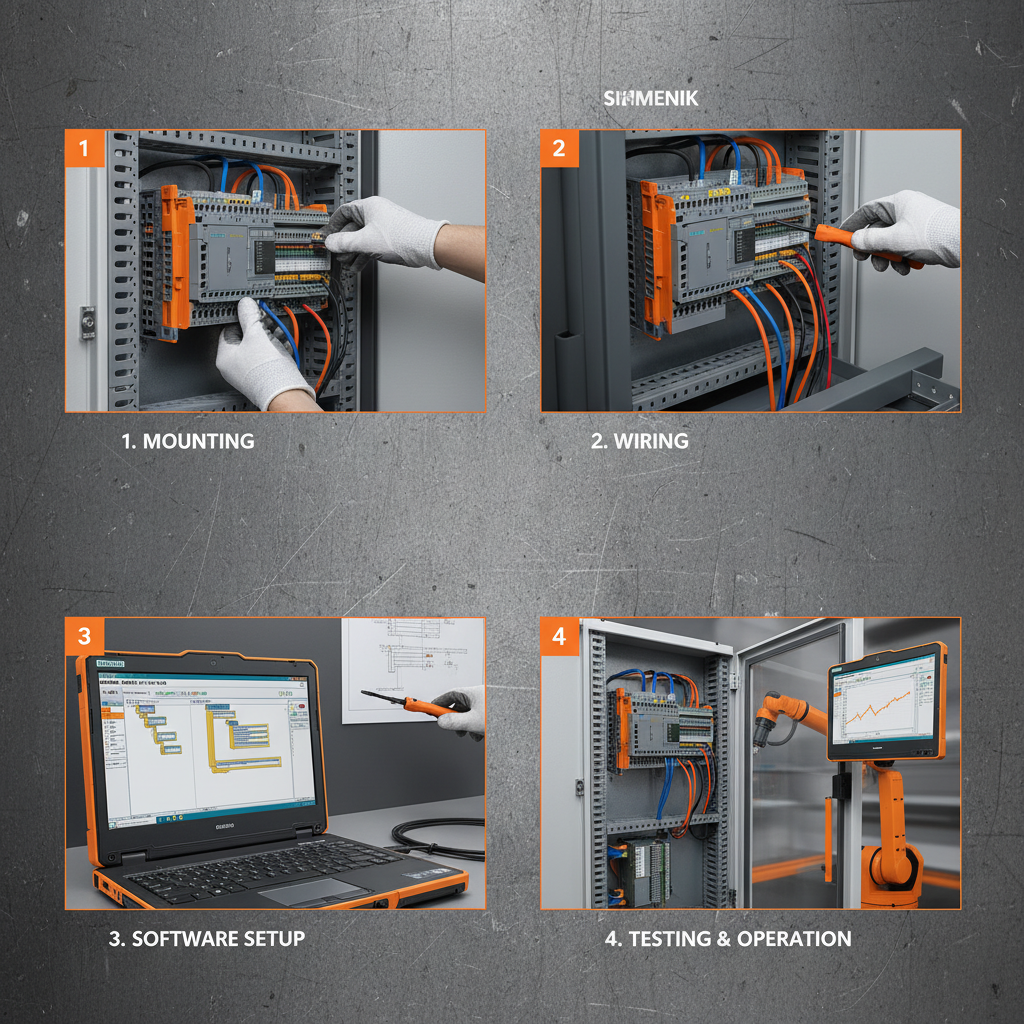
Integrating an HMI with a Siemens S7-1500 PLC typically involves using the TIA Portal engineering framework. You'll need to configure the PLC for communication with the HMI, defining the data tags to be exchanged. In the HMI development software, you'll create a project and establish a connection to the PLC. You can then drag and drop tags from the PLC into the HMI screens to create a user interface for monitoring and controlling the process. Ensure that the communication protocol (e.g., PROFINET) is correctly configured on both devices.