Comprehensive Guide to Siemens PLC Port Numbers and Communication Protocols
Understanding Siemens PLC Port Numbers
Siemens Programmable Logic Controllers (PLCs) are critical components in industrial automation, and a fundamental aspect of working with these devices is understanding their port numbers. These numbers facilitate communication between the PLC and various programming devices, HMIs (Human Machine Interfaces), and other network elements. This article provides a detailed overview of Siemens PLC port numbers, covering standard configurations, common protocols, and troubleshooting tips. Knowing these details is crucial for efficient PLC programming, maintenance, and network integration.
Standard Siemens PLC Port Numbers
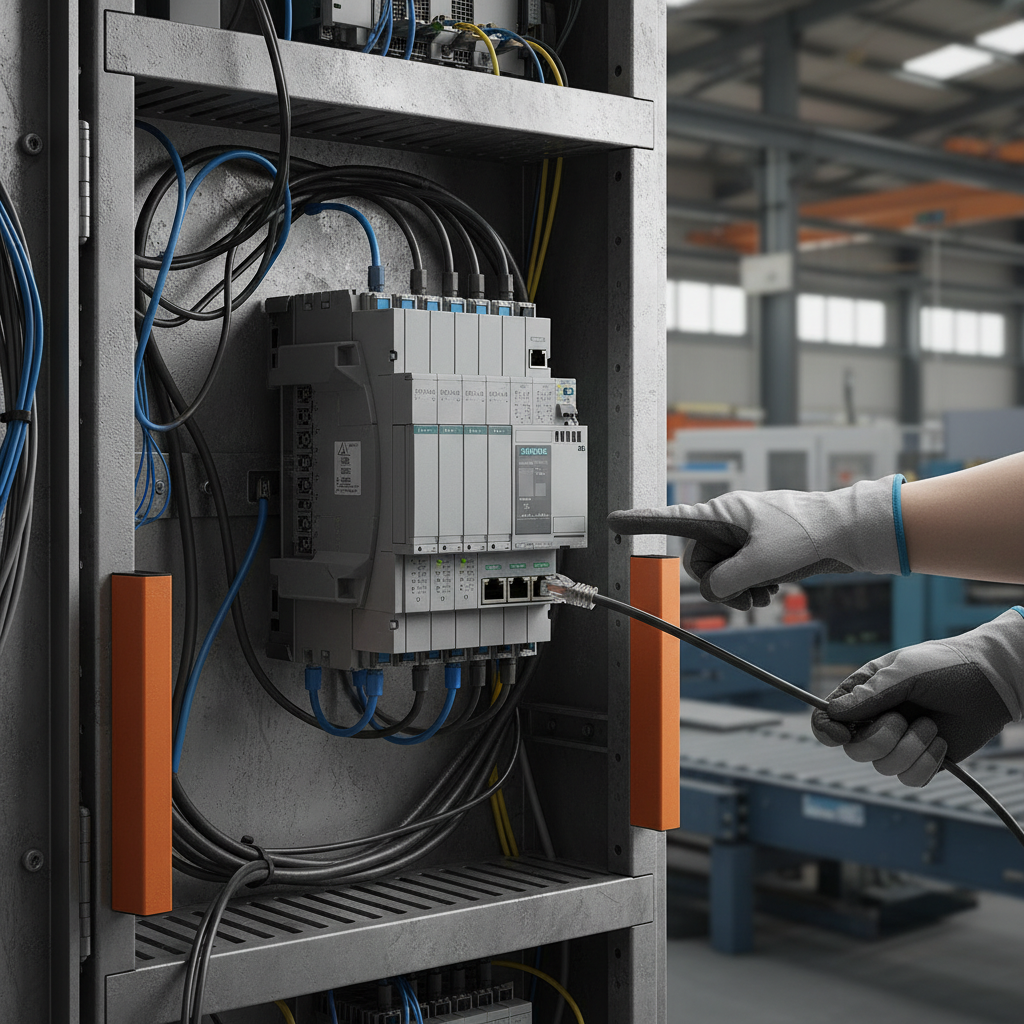
Siemens PLCs utilize several standard port numbers for different communication functionalities. The most common is Port 80, often used for web-based access and remote diagnostics, and Port 102, the default port for the PROFIBUS protocol. Additionally, Port 10000 is frequently assigned for S7 communication via the S7 protocol over Ethernet. These ports enable various operations such as downloading programs, monitoring process variables, and troubleshooting system issues. Understanding these defaults is essential for establishing a stable connection between your programming device and the PLC. Proper configuration of these ports ensures seamless communication and avoids connectivity problems.
Common Communication Protocols and Their Ports
Siemens PLCs support a range of communication protocols, each utilizing specific port numbers. PROFIBUS, a widely used fieldbus system, typically operates on Port 102. PROFINET, its Ethernet-based counterpart, often uses Port 80 and may dynamically assign other ports. S7 communication, a Siemens proprietary protocol, predominantly uses Port 10000 when running over TCP/IP. Modbus TCP, commonly used for integrating with third-party devices, typically operates on Port 502. Choosing the correct protocol and configuring the associated port number is crucial for successful data exchange between the PLC and connected devices. Tianjin Yongkai offers expert support in configuring these protocols for optimal performance.
Key Protocols and Ports:
- PROFIBUS: Port 102
- PROFINET: Port 80 (and dynamic ports)
- S7 Communication: Port 10000
- Modbus TCP: Port 502
Siemens PLC Port Numbers: A Comparative Overview
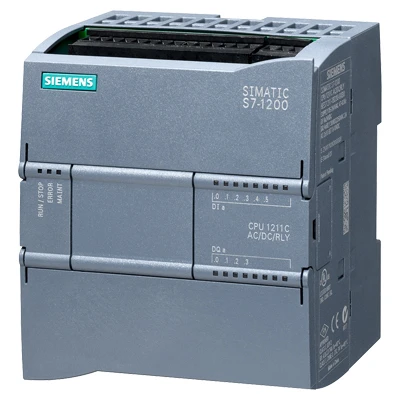
Different Siemens PLC families, such as the S7-1200, S7-1500, and S7-300/400, may exhibit slight variations in default port configurations and supported protocols. The S7-1200 and S7-1500 PLCs increasingly rely on PROFINET and Ethernet-based communication, while the older S7-300/400 series often utilize PROFIBUS. Understanding these nuances is essential for effective system integration. The following table provides a comparative overview:
Troubleshooting Common Port Number Issues
Connectivity issues related to Siemens PLC port numbers are common. These often arise from firewall restrictions, incorrect port configurations in programming software (like TIA Portal), or network conflicts. Ensure that the necessary ports are open in your firewall settings. Double-check the port number settings in your programming software to match the PLC's configuration. Utilize network diagnostic tools (like ping and telnet) to verify connectivity to the PLC on the appropriate port. If problems persist, consulting the Siemens documentation or contacting Tianjin Yongkai's support team can provide valuable assistance.
Security Considerations for PLC Port Access
Securing access to PLC ports is paramount to prevent unauthorized control and potential cyberattacks. Implement strong password protection for PLC access and restrict network access to authorized personnel only. Utilize Virtual Private Networks (VPNs) for remote access and regularly update PLC firmware to patch security vulnerabilities. Change default port numbers whenever possible to add an additional layer of security. A robust security strategy minimizes the risk of malicious activity and ensures the integrity of your industrial control systems.
Conclusion: Mastering Siemens PLC Port Numbers
Understanding Siemens PLC port numbers is fundamental for successful PLC programming, maintenance, and network integration. By familiarizing yourself with the standard port configurations, common protocols, and troubleshooting techniques outlined in this article, you can ensure seamless communication and secure operation of your industrial control systems. Tianjin Yongkai is your trusted partner for all your Siemens PLC needs, offering expert support and reliable solutions.
Frequently Asked Questions (FAQs)
What should I do if I can’t connect to the PLC on Port 10000?
If you are unable to connect to the PLC on Port 10000, first verify that the PLC is powered on and in RUN mode. Then, check your firewall settings to ensure that Port 10000 is open for both inbound and outbound traffic. Confirm that the correct IP address is being used in your programming software. Finally, test connectivity using a telnet command from your computer to the PLC’s IP address on Port 10000. If the connection fails, there may be a network issue or a problem with the PLC’s communication module. Ensure the S7 protocol is enabled on the PLC and that there are no conflicting applications using the same port.
Can I change the default port numbers on a Siemens PLC?
While it's generally not recommended to change the default port numbers without a strong security rationale, it is possible in some Siemens PLC models, especially within certain PROFINET configurations. However, changing the ports requires careful consideration and thorough documentation. It is essential to ensure that all connected devices are configured to use the new port numbers. Incorrectly changing port numbers can lead to communication failures and system instability. Always consult the Siemens documentation and proceed with caution.
What is the difference between TCP and UDP port numbers used with Siemens PLCs?
TCP (Transmission Control Protocol) and UDP (User Datagram Protocol) are both communication protocols used with Siemens PLCs, but they differ in their reliability and speed. TCP is connection-oriented and guarantees reliable data delivery with error checking. It’s commonly used for S7 communication where data integrity is critical. UDP is connectionless and faster but does not guarantee delivery. It's suitable for applications where occasional data loss is acceptable, such as some real-time data streaming scenarios. The port numbers used for each protocol are distinct and determined by the application and PLC configuration.
How does the choice of protocol (PROFIBUS vs. PROFINET) affect port number usage?
PROFIBUS, being a serial communication protocol, typically utilizes a dedicated physical port and doesn't rely on standard TCP/IP port numbers in the same way as PROFINET. It operates at the data link layer. PROFINET, being Ethernet-based, utilizes TCP/IP and therefore uses standard port numbers like 80 for web access and dynamic ports for real-time communication. While PROFINET often uses Port 80 as a default, it can also dynamically assign other ports for specific communication tasks, increasing network flexibility. The choice between the two significantly impacts the network configuration and the types of port numbers you'll encounter.